About
A better memory for what you read.
Highlightr saves the exact passage that mattered — not the whole page, not just a link — along with its source, a note on why it stuck with you, and whatever topics you want to tag it with. It’s a quiet, personal tool: no feeds, no followers, nothing to publish.
Local-first by default. Everything you save lives in your browser unless you choose to sign in, at which point it also syncs privately to this web library so it’s reachable from anywhere.
How it works
Select
Highlight text on any page, then save it via the right-click menu, the shortcut, or the panel.
Annotate
Add a short note on why it mattered, and tag it with topics if you want it easy to find later.
Revisit
Search and filter your whole library, reverse-chronological, whenever you need it again.
FAQ
Do I need an account?
No. Highlightr works entirely inside your browser without one — everything you save stays on your device. Signing in is optional and only needed if you want your library reachable here on the web too.
Is my data private?
Yes. There is no sharing or publishing feature anywhere in Highlightr today. Everything you save — locally or synced — is private to you.
What happens if I sign in?
New saves are also added to your Highlightr account, so they show up in this web library. Nothing is shared publicly, and local storage remains the source of truth if sync ever fails.
Which browsers does it work in?
Any Chromium-based browser — Chrome, Edge, Brave — since Highlightr is a standard browser extension.
Can I get my data out?
Yes. Settings → Export saves as JSON creates a full backup file you control, any time.
Part of Minor Works
thoughtful things for playful minds
Minor Works makes small games, quiet tools, and curious experiments — each built around one clear idea, with nothing designed to keep you longer than it should. Minor Works is an independent studio based in Boston creating small experiences about big numbers, language, pattern, and play.
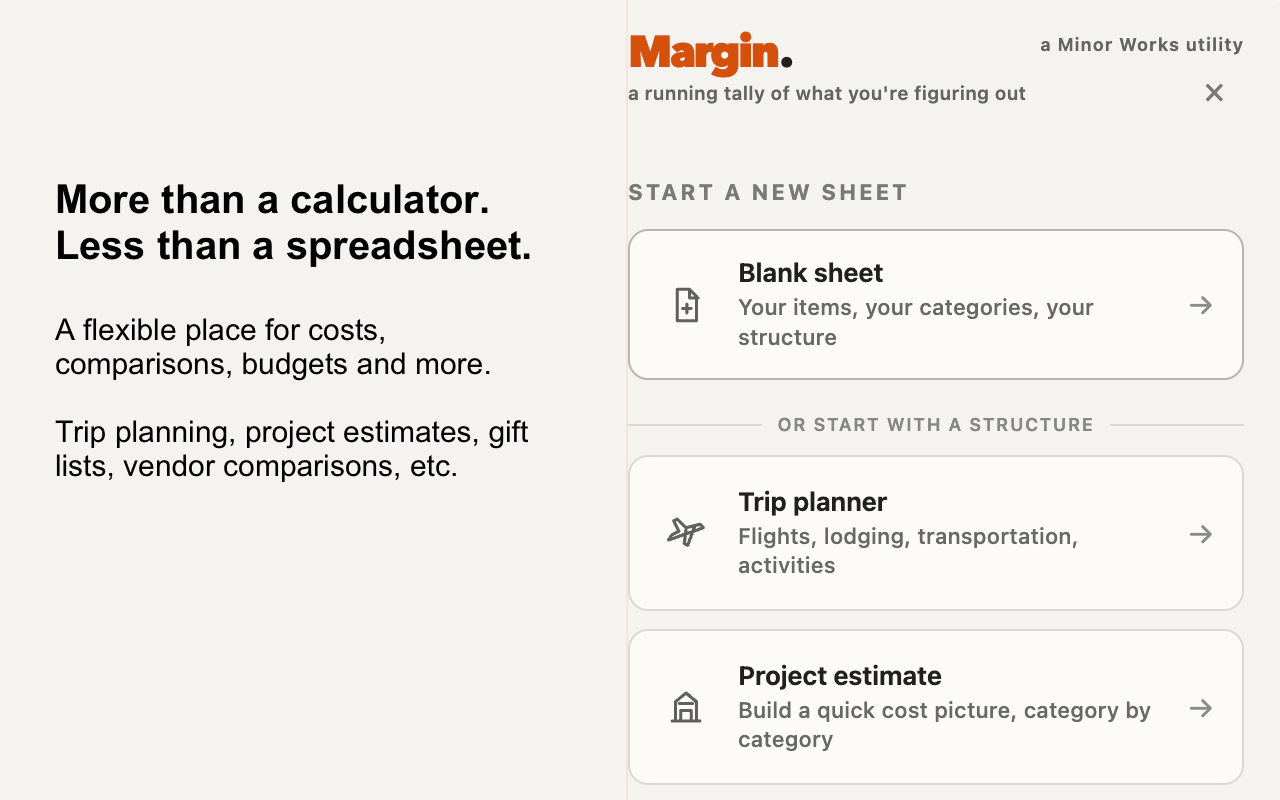
Margin
A scratch calculator and ledger for Chrome. Collect numbers from around the web, keep each one tied to its source, and see what they add up to.
Open Margin ↗

QR Tipsheet
A printable homepage for your fridge or bulletin board — QR codes for the calendar, WiFi password, team schedule, and playlist links you’re always digging for.
Open QR Tipsheet ↗